Adding a Security Group to Other Groups
To associate a security group with existing groups:
| 1. | Navigate to the Security Group screen. |
Main Menu > Admin > System Setup > Security Groups.
| 2. | Double click on the selected Security Group. |

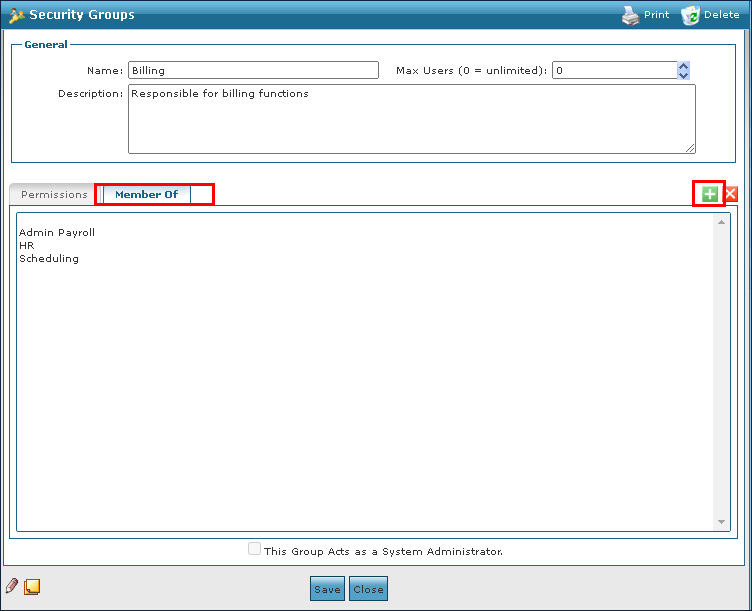
| 3. | Click the Member of tab. |
| 4. | Click Add New Group. |
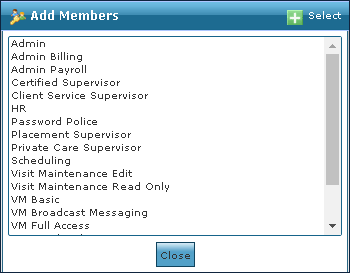
| 5. | Select the new group. |
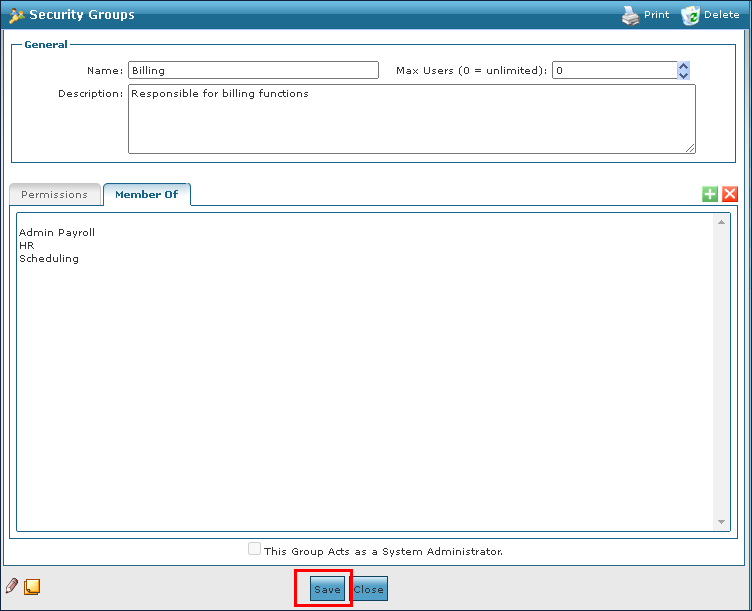
| 6. | Click Save. |
Comments
0 comments
Please sign in to leave a comment.