Removing Supplies from a Schedule
To remove unused or incorrectly added supplies from a schedule:
| 1. | Navigate to the Scheduling Overview screen |
Main Menu > Scheduling
| 2. | Choose the search filters matching the criteria for the schedule. |
| 3. | Locate the schedule in the results list. |

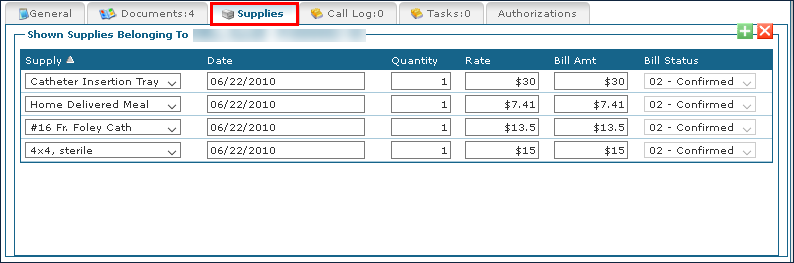
| 4. | Click the Supplies tab. |
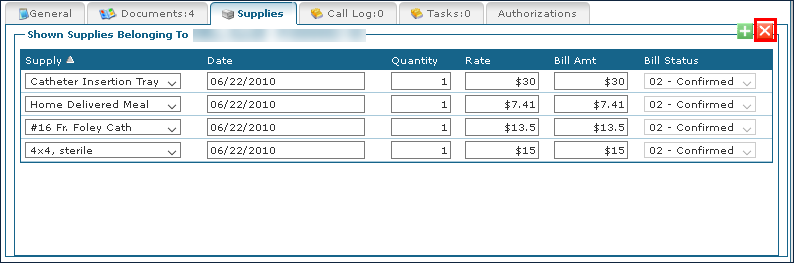
| 5. | Click the name of the supply to be deleted and click Remove Supplies. |
| 6. | Click Save. |

Comments
0 comments
Please sign in to leave a comment.