Adding a New Service to the System
To add a new service to the system:
1. Navigate to the Services screen. Main Menu > Admin > System Setup > Services. 2. Click Add New Service. |
|
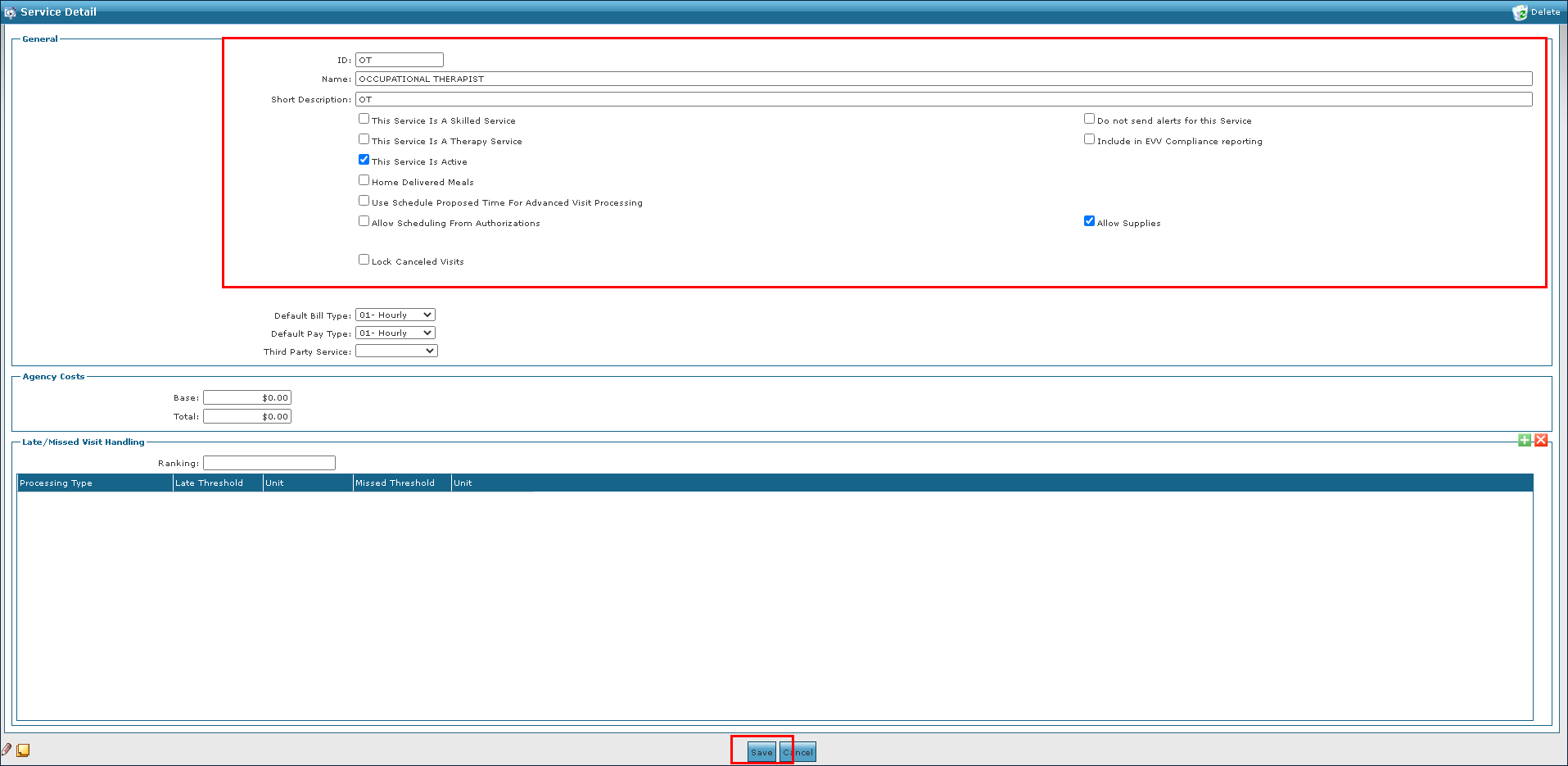
3. Enter the service information in the fields. 4. Select the appropriate setting check boxes. 5. Click Save. |
|

Comments
0 comments
Please sign in to leave a comment.