Locations Screen
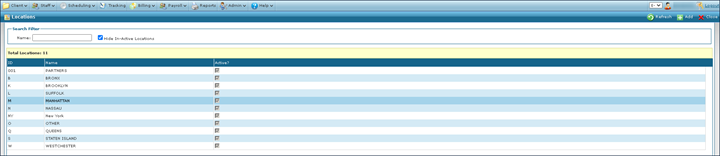
The Locations screen displays the physical location details for all offices in use by the agency.
To access the Locations screen, click Locations (Main Menu > Admin > System Setup > Locations).
The Locations screen displays the physical location details for all offices in use by the agency.
To access the Locations screen, click Locations (Main Menu > Admin > System Setup > Locations).
Comments
0 comments
Please sign in to leave a comment.