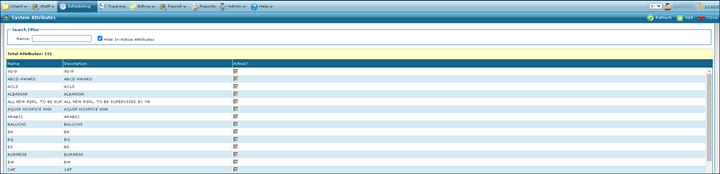
System Attributes Screen
The System Attributes screen displays characteristics of a client or staff member that can be reviewed when making assignments during scheduling.
To access the System Attributes screen, click Attributes (Main Menu > Admin > System Settings > Attributes).
| Note: Attribute record requirements, skill levels or requests made by client or staff members are entered into their profiles. |

Comments
0 comments
Please sign in to leave a comment.