Voiding a Payment
Occasionally incorrect information is entered on a payment due to incorrect data entry, typos or other errors that occur during processing. To correct an issue with a payment, it must first be voided before corrections can be made.
To void a payment:
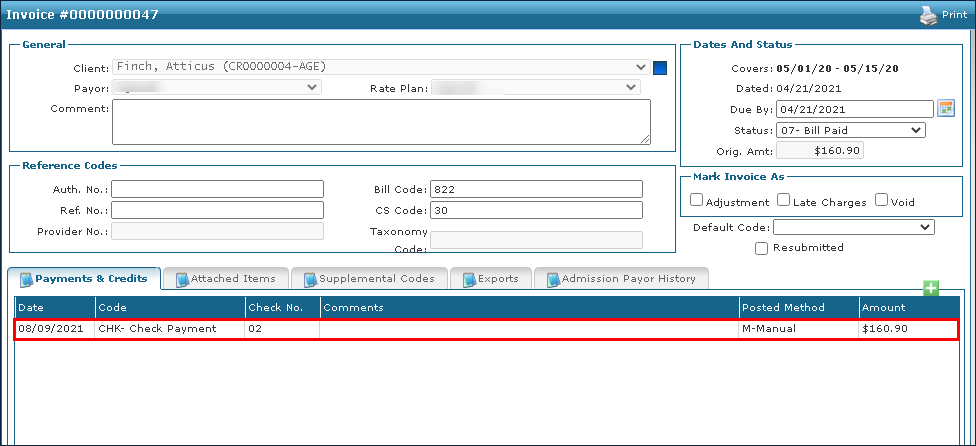
| 1. | Locate and open the invoice needing correcting. |
| 2. | Double click on the payment with the incorrect information. |
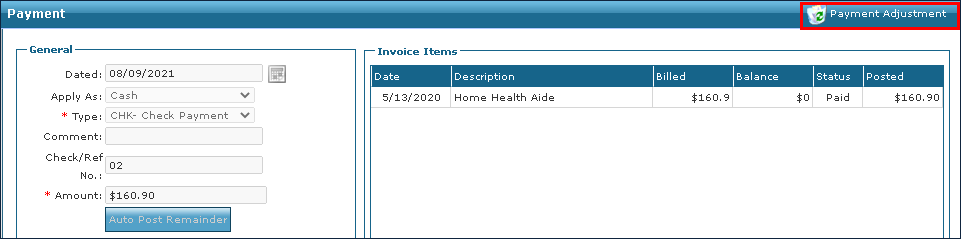
The Payment Window displays.
| 3. | Click Payment Adjustment. |
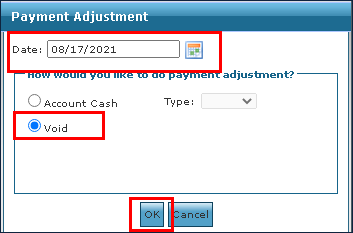
The Payment Adjustment window displays.
| 4. | Enter the date for the payment to be voided. |
| 5. | Click Void. |
| 6. | Click Ok. |
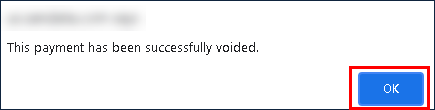
| 7. | Click Ok. |
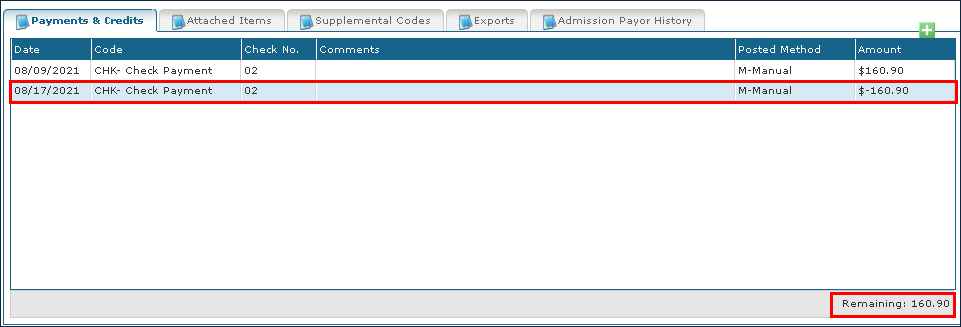
A new line item showing the voided amount displays on the Invoice as a negative amount.
Comments
0 comments
Please sign in to leave a comment.