Editing a Referral Source on the Client Profile
To make changes to a current referral source on a client’s admission:
| 1. | Navigate to the Client Search screen. |
Main Menu > Client
| 2. | Locate and double click on the client using the search filters. |

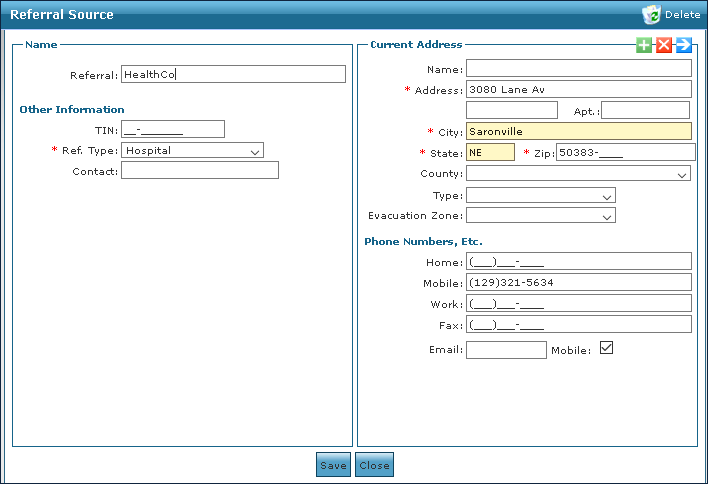
| 3. | Use the drop down to select the source to be viewed. |

| 4. | Click View This Referral Source’s Information. |

| 5. | Make any changes or revisions to the referral source. |
| 6. | Click Save. |
Comments
0 comments
Please sign in to leave a comment.