Adding a Payor to the Client Profile
To add new payor information to a client’s admission:
| 1. | Navigate to the Client Search screen |
Main Menu > Client
| 2. | Locate and double click on the client using the search filters. |

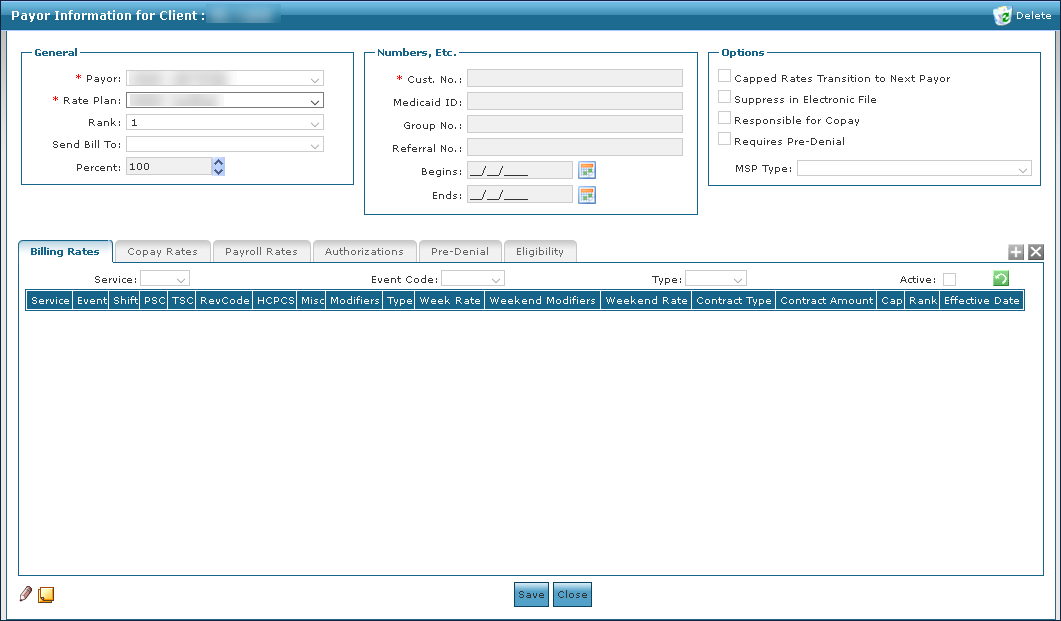
| 3. | Click Add a Payor. |

| 4. | Enter the payer information. |
| 5. | Click Save. |
Comments
0 comments
Please sign in to leave a comment.