Editing a Staff Member’s Address
To make a correction or update a staff member’s address information:
| 1. | Navigate to the Staff Search screen. |
Main Menu > Staff.
| 2. | Locate and double click on the staff member using the search filters. |
| 3. | Click Personal. |
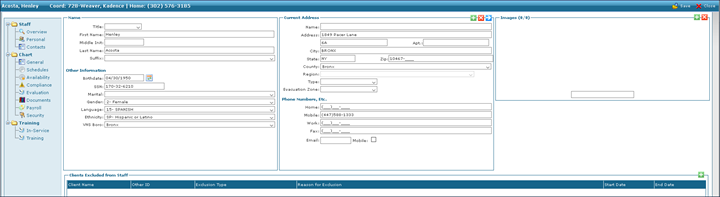
| 4. | Click See All Addresses. |
Select the address needing updating.

| 5. | Edit the address as needed. |
| 6. | Click Save. |

Comments
0 comments
Please sign in to leave a comment.