Registering Staff Members for a Class
Once a class has been created, staff members must be added to the class through the Class Roster screen.
| Note: Classes can only be created and edited through the Class Master Screen (Main Menu > Staff > Training > Class Master). |

| 1. | Navigate to the Class Roster screen. |
Main Menu > Staff > Training > Class Roster.
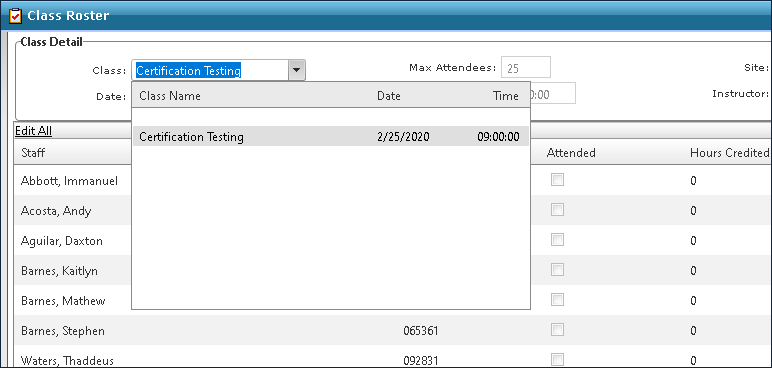
| 2. | Select the class from the Class drop down. |
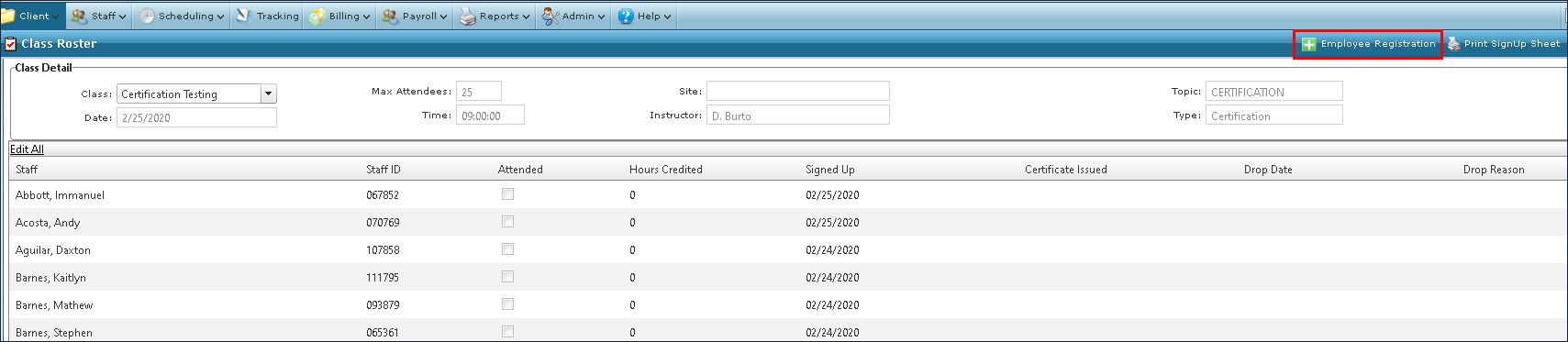
| 3. | Click the Employee Registration button. |
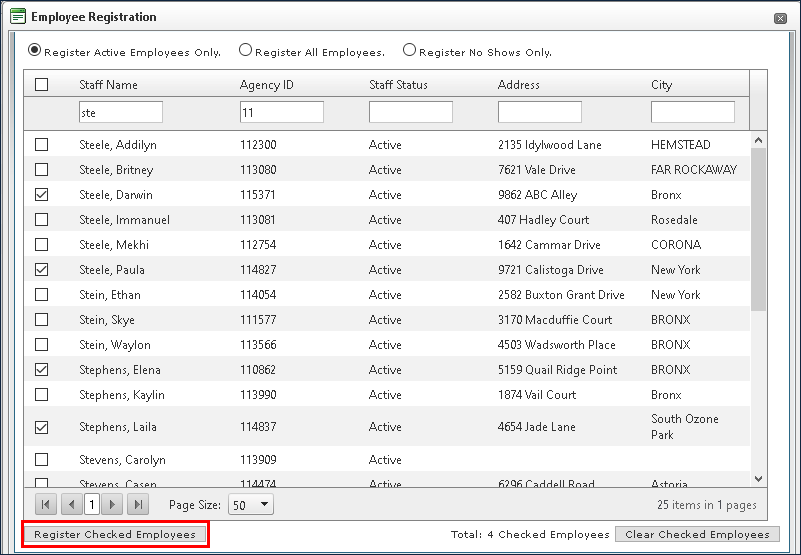
| 4. | Sort the fields or use the search filters to locate the desired staff member(s). |
| 5. | Select the check box next to the staff member’s name. |
| 6. | Click Register Checked Employees. |
Clicking Clear Checked Employees clears all selections.
Comments
0 comments
Please sign in to leave a comment.