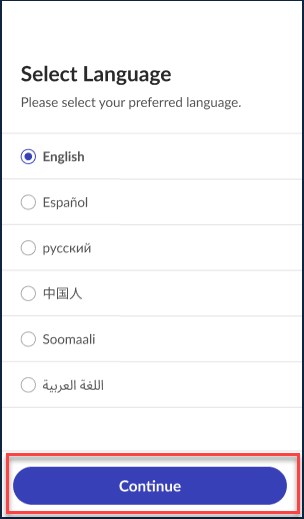
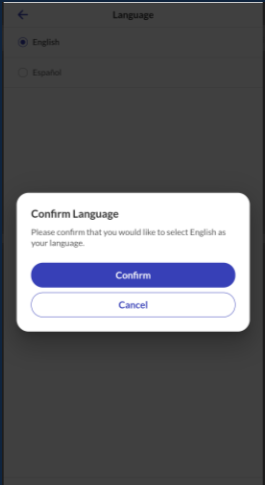
Sandata Technologies Product Help Sandata Mobile Connect SMC V2 繁體中文 (Traditional Chinese) 設定畫面 選擇語言 選擇語言SMC 提供多種語言版本。使用者可以選擇應用程式中以何種語言顯示文字。1.瀏覽至設定。2.點選語言。3.點選您偏好的語言。4.點選 Continue(繼續)。5.點選確認以儲存您偏好的語言。 Comments 0 comments Please sign in to leave a comment.
Comments
0 comments
Please sign in to leave a comment.