Sandata Technologies Help Center home page
Sandata News

Search

  1. Sandata Technologies
  2. Product Help
  3. Sandata Mobile Connect
  4. SMC V2 français (French)
  5. Terminer une visite

Signature

Signature

H :1. Signez l’appareil à l’aide d’un doigt.

H :2. Appuyez sur CONTINUER.
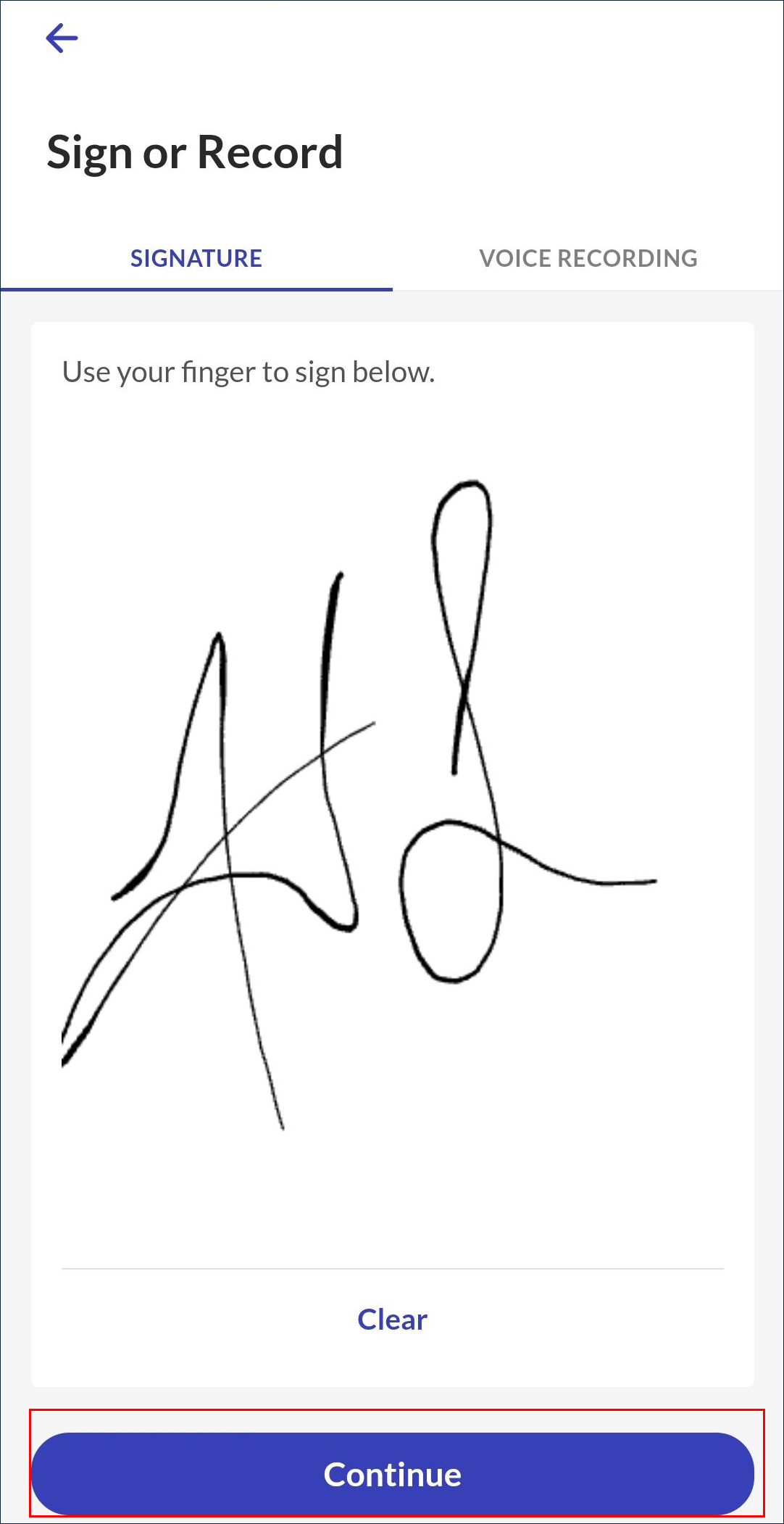
Écran Signature du client

Icône d’information

Remarque :

Appuyez sur Effacer pour effacer le champ de signature.

Comments

0 comments

Please sign in to leave a comment.

Articles in this section

  • Terminer une visite
  • Terminer une visite (personnel)
  • Terminer une visite (confirmation du client)
  • Abandon d’une visite
  • Enregistrement vocal
  • Signature
  • Changer de service
  • Notes de visite
  • Tâches (y compris le plan de soins)
Sandata.com Compliance Documentation & Reports Security & Privacy Information
Español