When processing or making an adjustment, it may be necessary to add a supplemental code to an invoice.
|
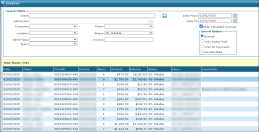
1. Navigate to the Invoices screen. Main Menu > Billing > Invoices 2. Use the filters to locate the selected invoice. 3. Double click to open the invoice. |
|
|
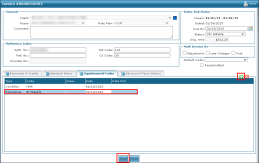
4. Click the Supplemental Codes tab. 5. Click the green plus icon ( 6. Enter the necessary information. 7. Click Save. |
|
Comments
0 comments
Please sign in to leave a comment.