Merging Calls
1. Navigate to the Merge Calls section of the Visit Details screen. (Visit Maintenance > search for and open a visit ( ) > Merge Calls)
2. Select the missing in or out call.
3. Select the REASON CODE.
4. Select the RESOLUTION CODE.
5. Enter a REASON NOTE, if applicable.
6. Click SAVE.
A notification of confirmation or error displays at the top of the screen.
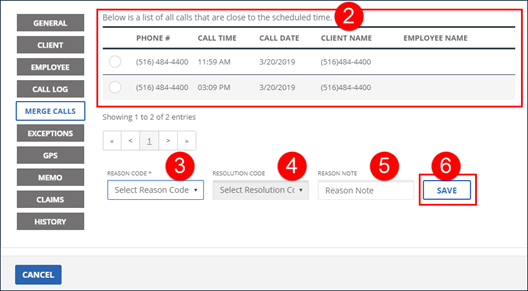
Merge Calls
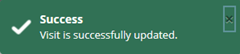
Update Successful Confirmation
Comments
0 comments
Please sign in to leave a comment.