Merging a Client
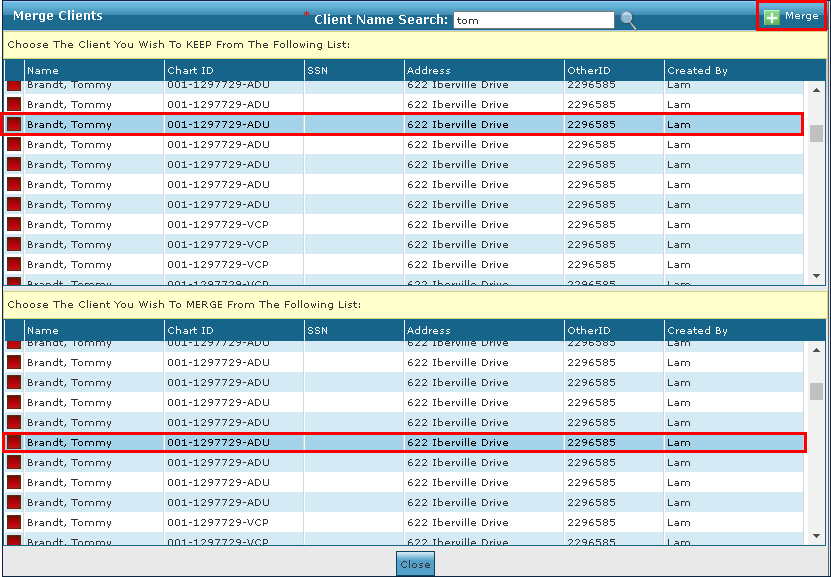
To merge two client profiles:
| 1. | Navigate to the Merge Clients screen. |
Main Menu > Admin > System Tools > Merge Clients
| 2. | Use the Client Name Search field to locate the clients to be merged. |
| 3. | Click on the client profile to be merged with. |
| 4. | Click on the client profile to be merged. |
| 5. | Click Merge. |
Comments
0 comments
Please sign in to leave a comment.