Adding a New Document
To add a new document:
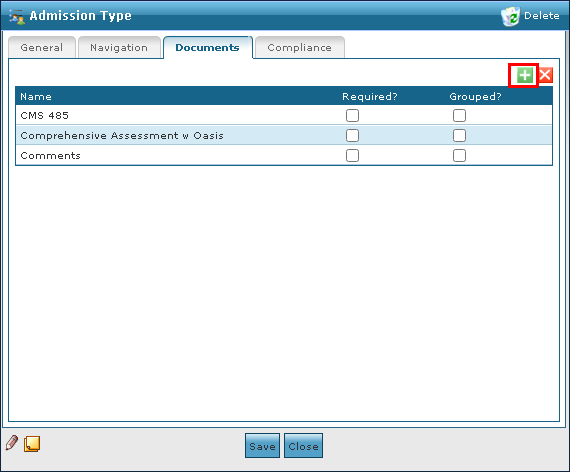
| 1. | Navigate to the Documents tab on the Admission Type window. |
Main Menu > Admin > System Setup > Admission Type > Documents
| 2. | Click Add New Document. |
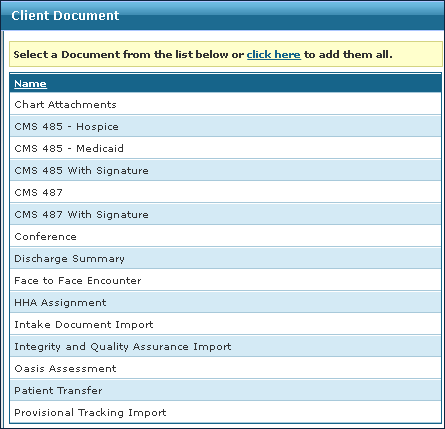
| 3. | Double click the document to be added from the list. |
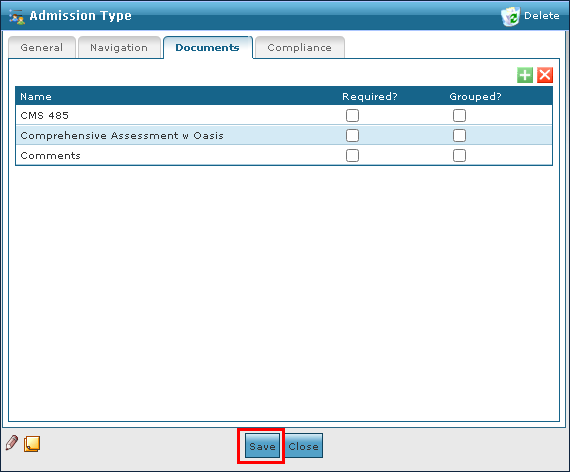
| 4. | Click Save. |
Comments
0 comments
Please sign in to leave a comment.