Removing a Compliance Document
To remove an invalid or out of date compliance document:
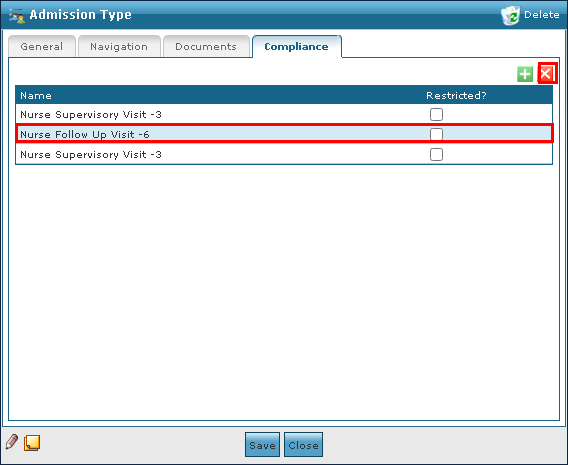
| 1. | Navigate to the Compliance tab on the Admission Type window. |
Main Menu > Admin > System Setup > Admission Type > Compliance
| 2. | Click on the document to be removed. |
| 3. | Click Delete Document. |
| 4. | Click Ok. |

Comments
0 comments
Please sign in to leave a comment.