Sandata Technologies Help Center home page
Sandata News New User Sign Up Submit a request Sign in

Search

  1. Sandata Technologies
  2. Product Help
  3. Sandata Aggregator
  4. Messaging

Viewing a Message

Viewing a Message

Aggregator users can view messages on the Manage Message screen.


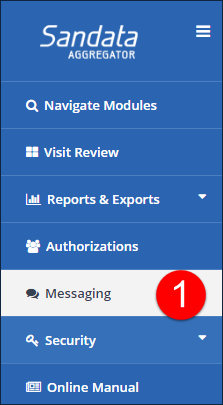
1. Navigate to a the Manage Messages screen Messaging.
2. Click the message.
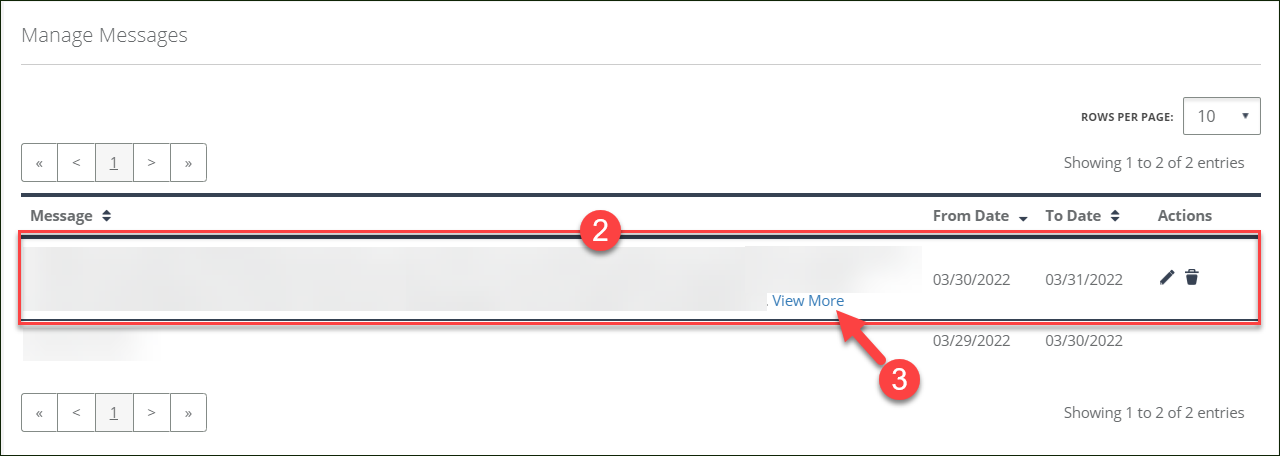
Manage MessagesViewing a Message


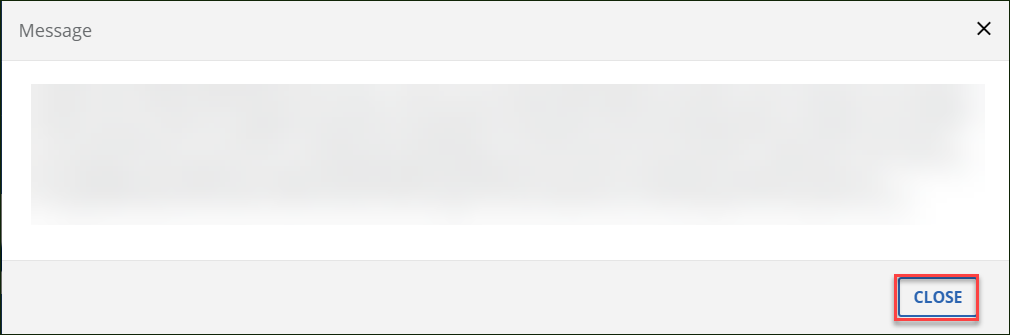
3. Click the View More link to display a pop up screen with the full message, if applicable.

4. Click CLOSE.
  • AGG Manual.5.log-269538.zip7 KB

Comments

0 comments

Please sign in to leave a comment.

Articles in this section

  • Creating a Message
  • Viewing a Message
  • Editing a Message
  • Deleting a Message
Sandata.com Compliance Documentation & Reports Security & Privacy Information
Español