Searching for Users
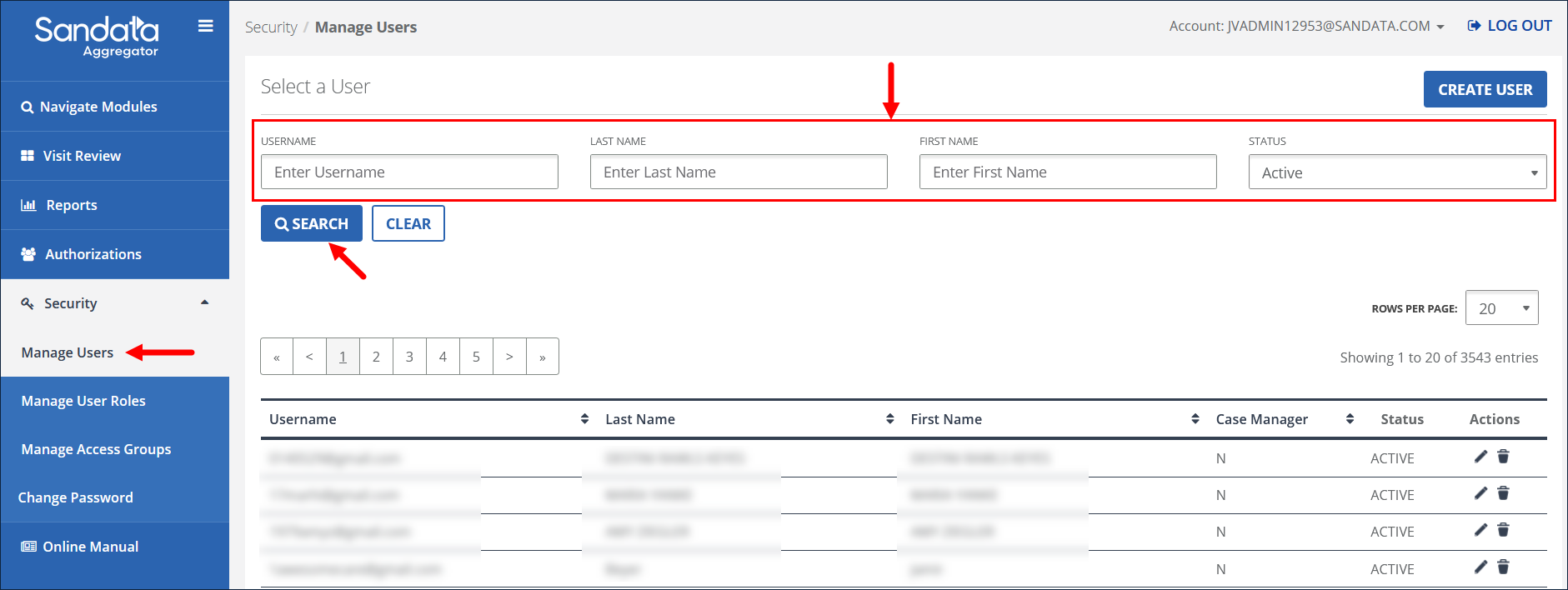
Use the Select a User section of the Manage Users screen to search for existing users.
1. Navigate to the Manage Users screen.
(Security > Manage Users)
2. Enter search criteria.
3. Click SEARCH.
Use the Select a User section of the Manage Users screen to search for existing users.
1. Navigate to the Manage Users screen.
(Security > Manage Users)
2. Enter search criteria.
3. Click SEARCH.
Comments
0 comments
Please sign in to leave a comment.