Creating a Work Schedule
This process is used to define when an alert is sent. As a default, alerts are sent between the hours or 9AM and 5PM. Work schedules are used to define alternate times and are assigned at the Manage User screen.
1. Navigate to the Create - Work Schedule screen. (Security > Alert Settings > Setup Work Schedules > Create)

Create Button
2. Enter the Schedule Name (description).
3. Click all applicable fields date/time cells.
4. Click SAVE.
A notification of confirmation or error displays at the top of the screen.
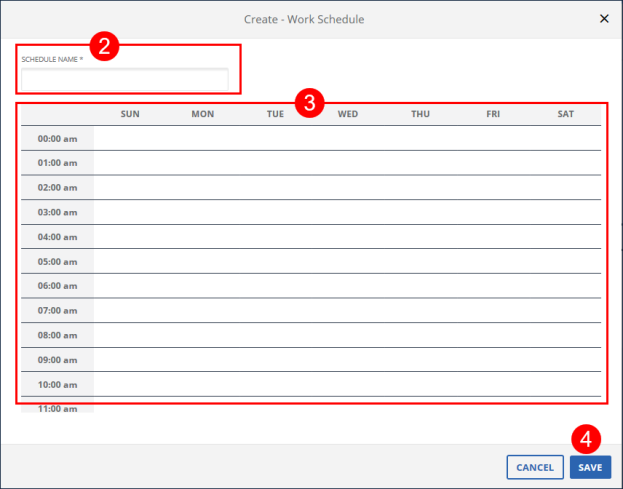
Create - Work Schedule
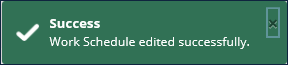
Save Confirmation and Confirmation/Error Notification
Comments
0 comments
Please sign in to leave a comment.