Editing an Existing Rate Plan
Once a rate plan has been created, it can be edited any time.
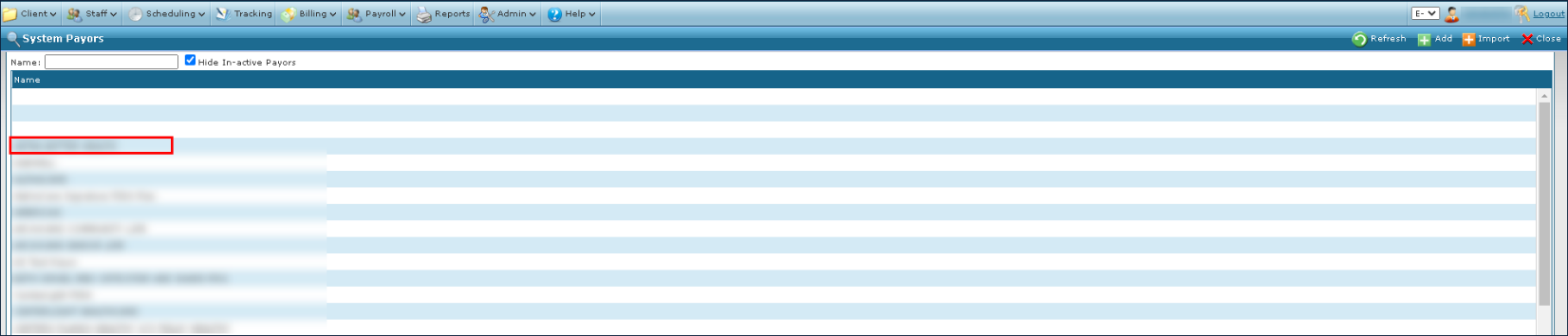
| 1. | Navigate to the System Payor screen. |
Main Menu > Billing > Payors
| 2. | Double click on the desired payer. |
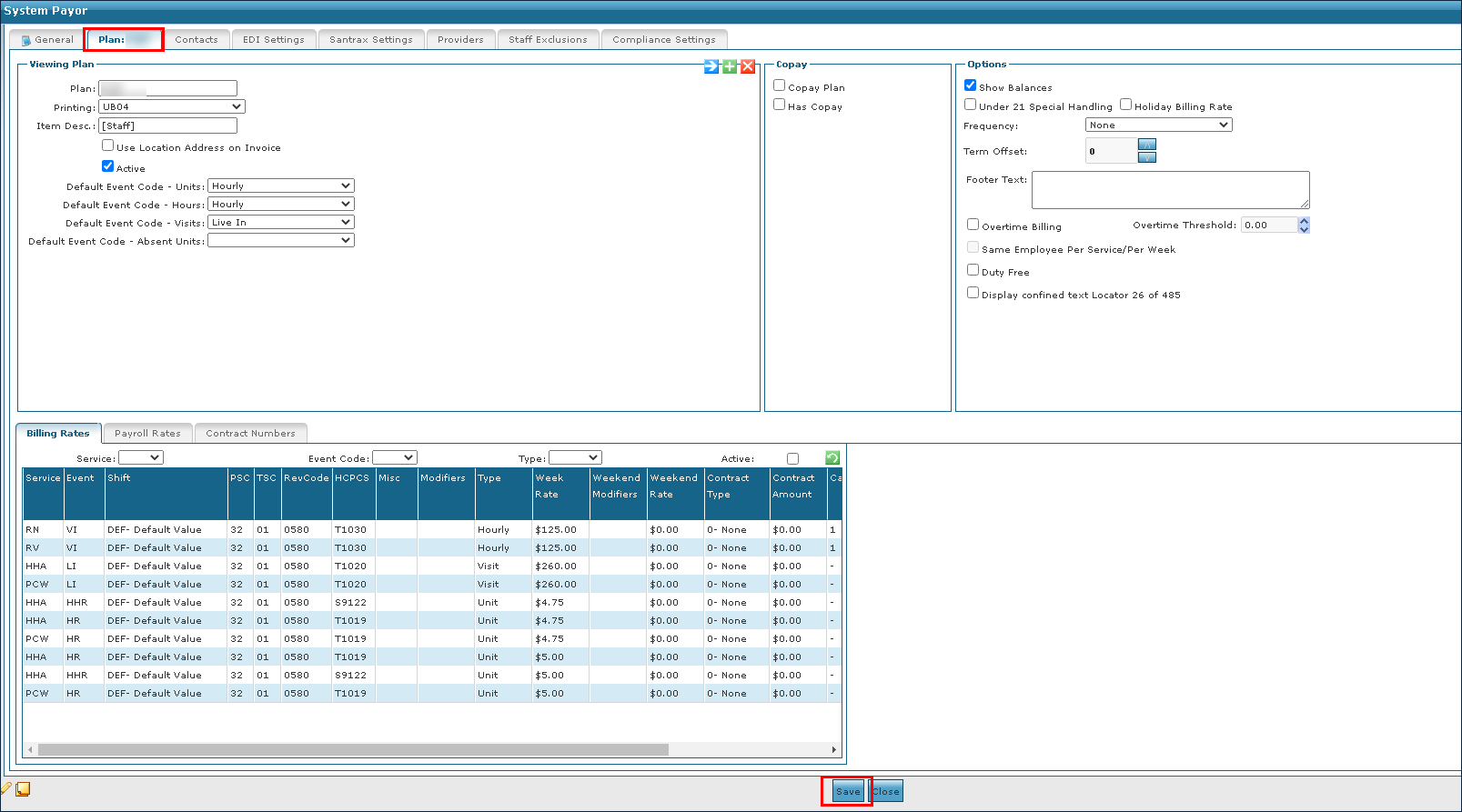
| 3. | Click the associated Rate Plan tab. |
| 4. | Select the appropriate corrections or changes to the rates and settings. |
| 5. | Click Save. |
Comments
0 comments
Please sign in to leave a comment.