Editing a Contact
Once a contact has been added to a payer, it can be edited any time.
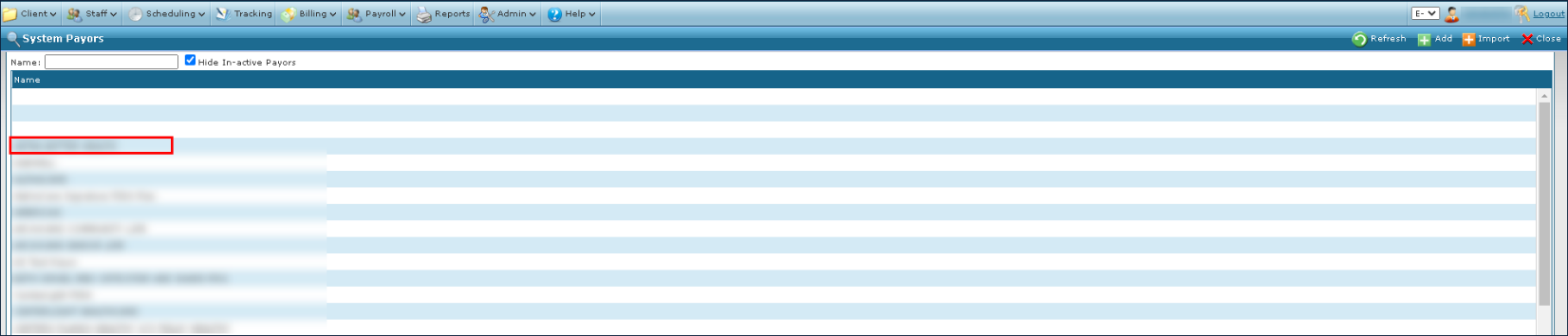
| 1. | Navigate to the System Payor screen. |
Main Menu > Billing > Payors
| 2. | Double click on the desired payer. |
| 3. | Click the Contacts tab. |
| 4. | Double click on the contact to be edited. |

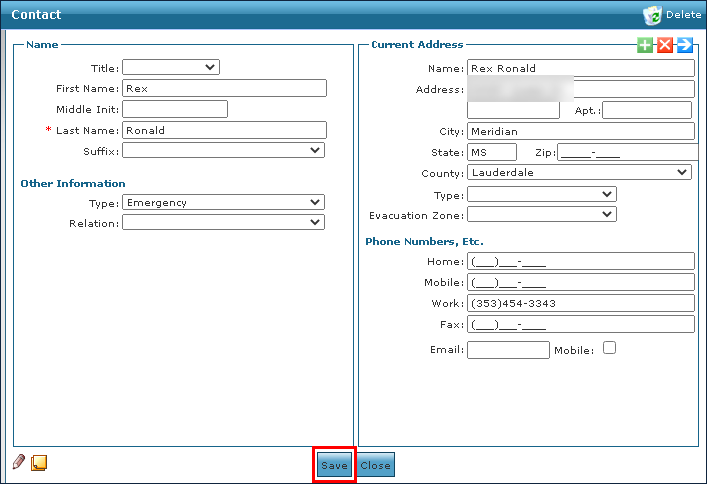
| 5. | Edit the contact’s information as needed. |
| 6. | Click Save. |
Comments
0 comments
Please sign in to leave a comment.