Searching for Schedules
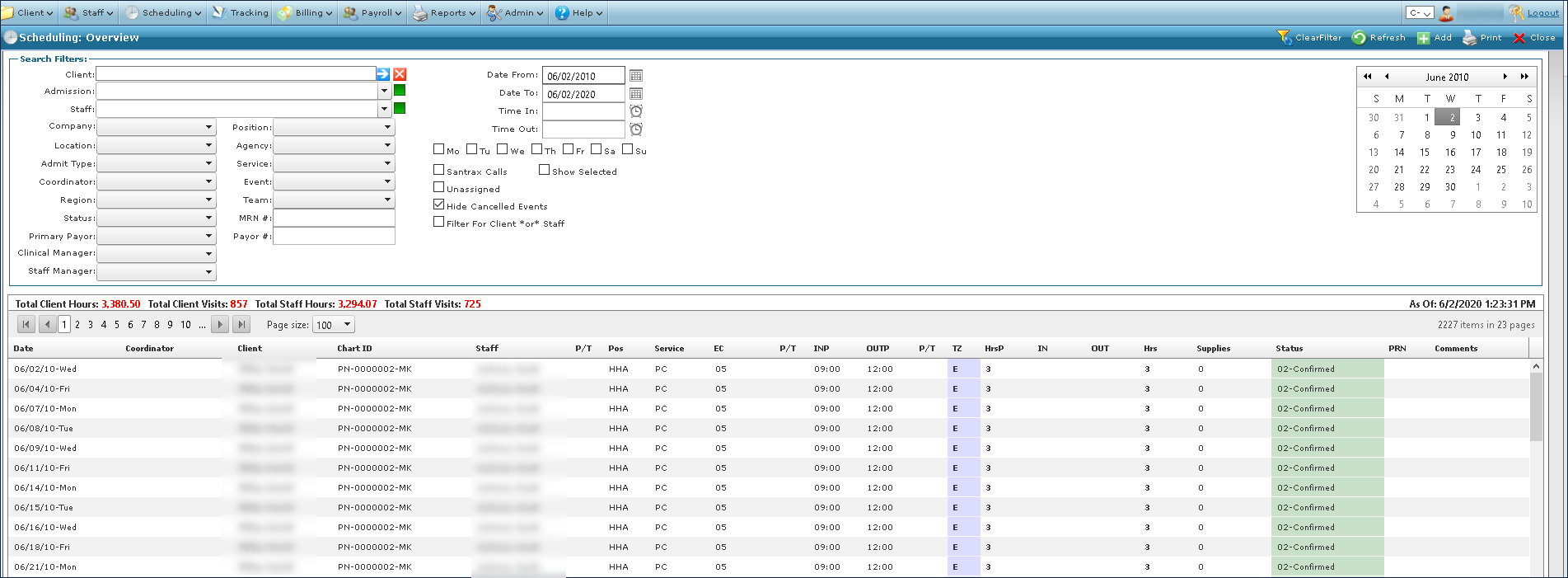
Schedules can be located by using one or more of the search filters to choose the specific criteria.
To locate a schedule:
| 1. | Navigate to the Scheduling Overview screen |
Main Menu > Scheduling
| 2. | Choose the search filters matching the criteria for the schedule. |
| 3. | Click Refresh. |
| 4. | Locate the schedule in the results list. |
Comments
0 comments
Please sign in to leave a comment.