Adding a Company to a Staff Member’s Profile
In some situations, a staff member may be employed at multiple companies or agencies.
To add a company to a staff member:
1. Navigate to the Staff Search screen.
Main Menu > Staff.
2. Locate and double click on the staff member using the search filters.
3. Click General.
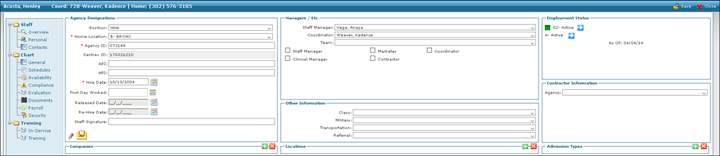
4. Click Add Company.
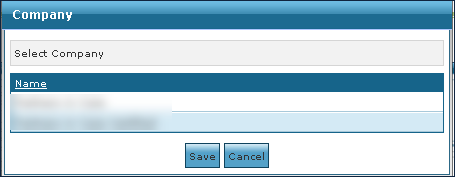
This opens the Companies window.

5. Click the company to be added.
6. Click Save.
Comments
0 comments
Please sign in to leave a comment.