Visits Without Calls
Resolving a Visit Without Calls
To resolve a visit without calls, first confirm with the field staff that the visit occurred. If no calls were made, manually enter the call times on the Schedule Detail screen. If there are both call in and/or call out times to merge, use the following:
| 1. | Navigate to the Santrax Maintenance screen |
Main Menu> Scheduling> Santrax Maintenance
| 2. | Use the filters to locate the applicable schedule and call. |
Sort based on the client’s name and the date of the visit.
| 3. | Right click on the schedule. |
| 4. | Click Merge Calls. |

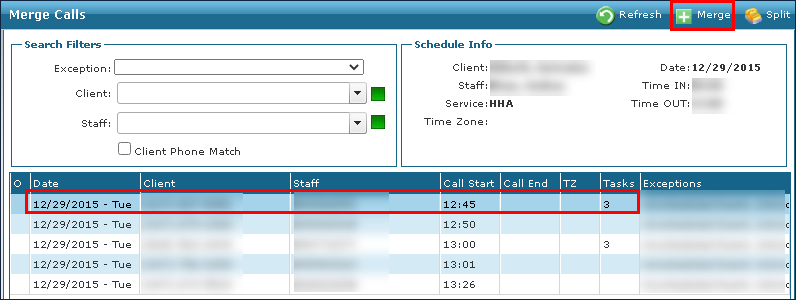
| 5. | Locate and select the missing call. |
| 6. | Click Merge. |
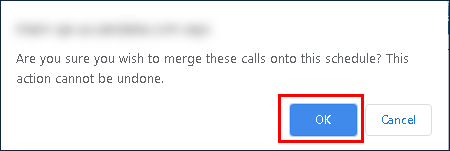
| 7. | Click Ok. |
| 8. | Select a reason code. |
| 9. | Click Save. |
The new call time is now displayed.


Comments
0 comments
Please sign in to leave a comment.