Assigned Staff Updated by Caller
“Assigned Staff Updated by Caller” is a notification exception that displays when someone other than the staff member assigned to the visit clocks in and out of the visit. This can occur when an emergency or another situation prevents the original staff member from attending the visit and a replacement is sent before the visit can be updated in the system.
Resolving an Assigned Staff Updated by Caller Exception
1. Double click on the visit to open the Schedule Detail.
2. Select the replacement field staff.
3. Click Save.
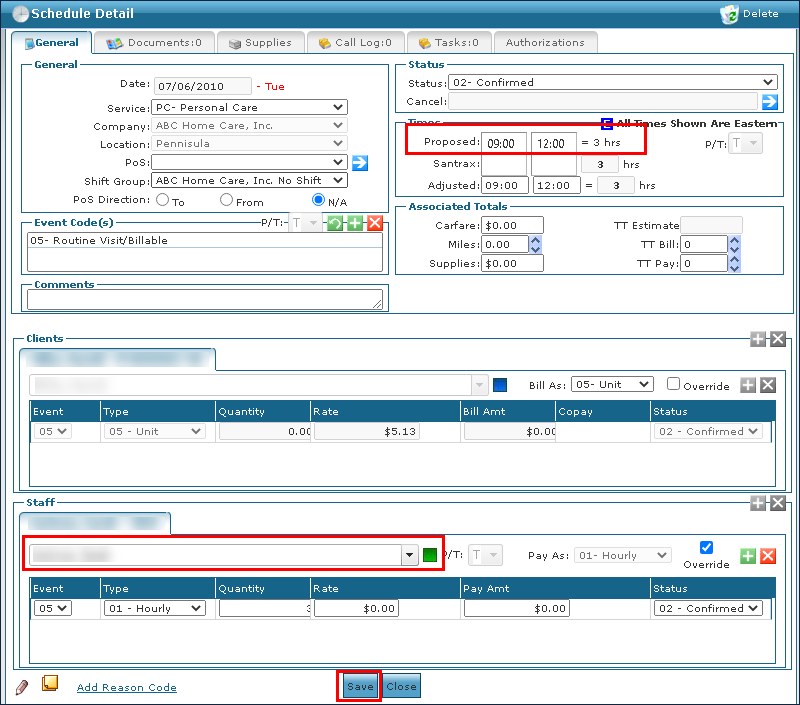
4. Select the reason code if applicable.
5. Click Save.

Comments
0 comments
Please sign in to leave a comment.