Different Service Entered on Call
A ‘Different service entered on call’ exception displays when the service reported on the call during the visit differs from the service listed on the schedule.
Resolving a Different Service Entered on Call Exception
1. Confirm that the performed service was correct.
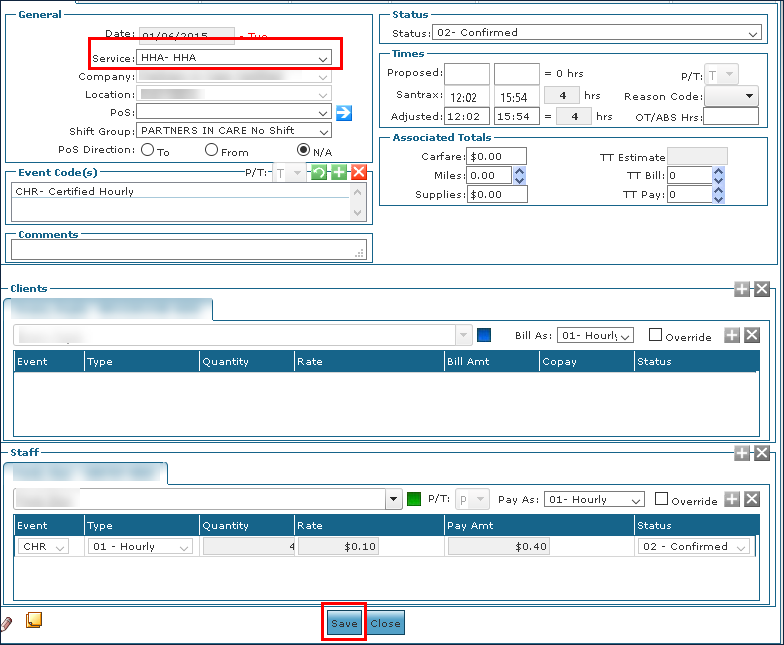
2. Double click on the visit to open the Schedule Detail.
3. Update the service as needed.
4. Click Save.
If you are confirming the visit, select a Reason Code.
Comments
0 comments
Please sign in to leave a comment.